
One of the features of Lexporta is its ability to let your law firm collaborate and communicate with clients. The Client Portal offers a secure environment for sharing case information, billing information, and communication with clients and contacts.
In order for your clients to access your firm's Client Portal you will need to add a link to your Client Portal with your firm's unique identifier in the URL somewhere on your website or in the emails you send your clients.
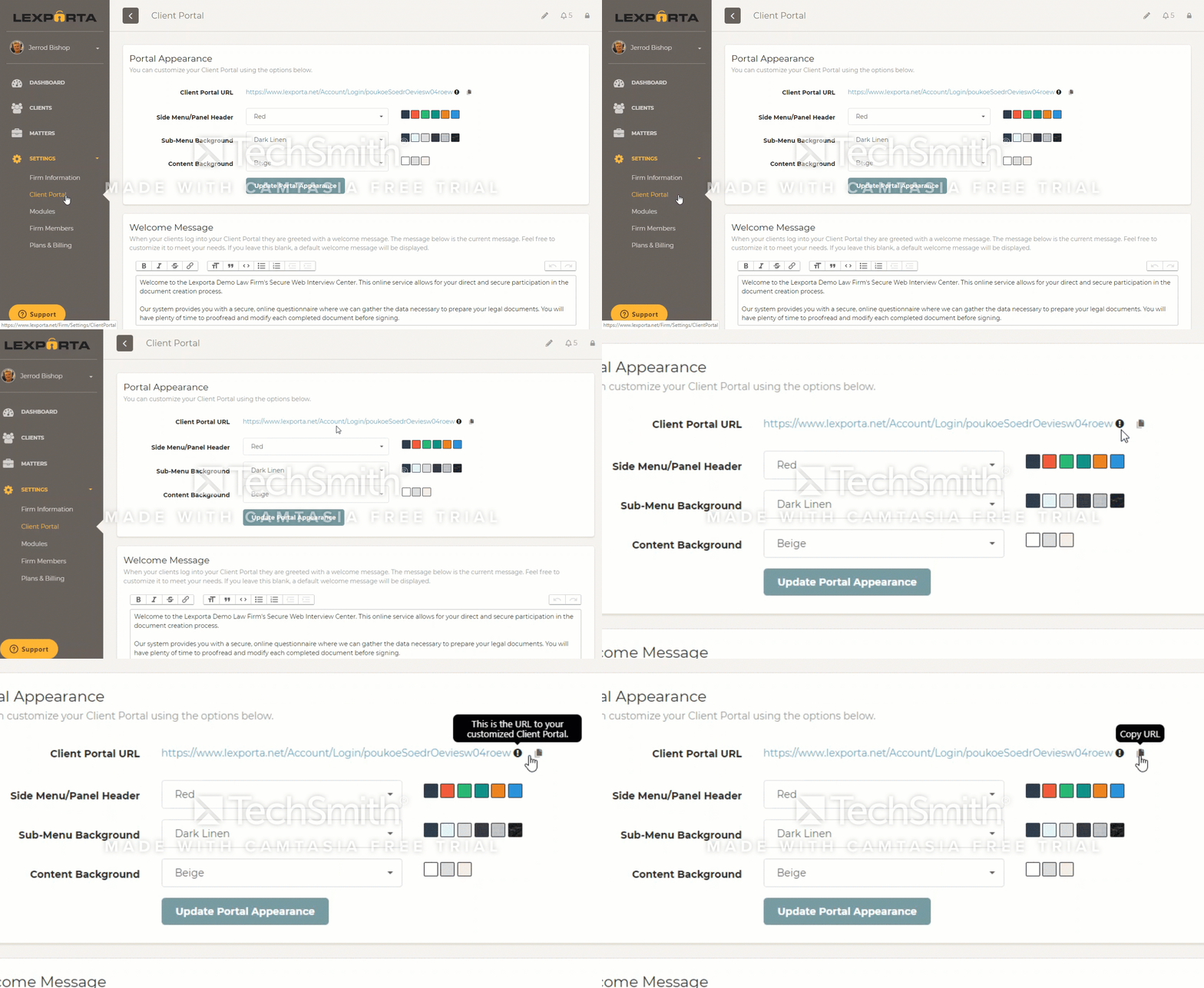
You can locate the link to your Client Portal by going to Settings and then clicking on the Client Portal tab. The Client Portal URL to link to is located at the top of the page.
NOTE: Only users in the Admin role can access the Settings area.
0 Comments